
A turbine flow meter showing a fluctuating or unstable output signal is a common problem in industrial applications.
The reading may jump up and down even when the process appears stable. Is it electrical interference? Air in the pipeline? Improper installation? Or a problem with the turbine rotor?
Instead of checking components randomly, follow this troubleshooting sequence.
1. Check the Actual Flow Conditions
First, confirm whether the flow itself is stable.
Check for:
- Pulsating flow caused by pumps
- Rapid valve movements
- Flow below the meter’s minimum measuring range
- Partially filled pipelines
- Air or gas bubbles in the liquid
For liquid applications, entrained air can significantly affect turbine rotation and cause unstable readings.
If cavitation is suspected, check the pump, valve position, and upstream/downstream pressure conditions. Increasing downstream back pressure may help eliminate cavitation in some applications.
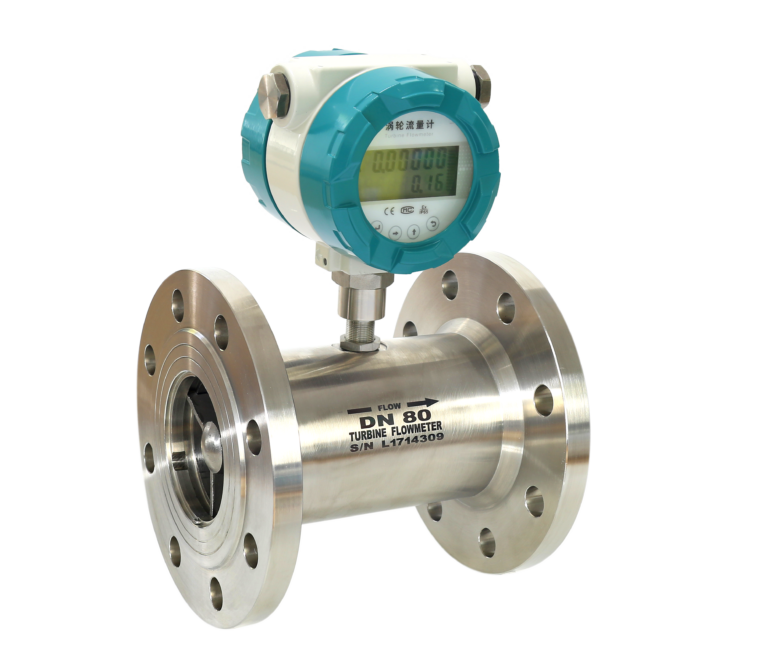
2. Check the Installation Conditions
Turbine flow meters are sensitive to flow profile and swirl.
Check whether there are elbows, pumps, control valves, reducers, or other flow disturbances installed too close to the meter.
Make sure the required upstream and downstream straight-pipe lengths meet the manufacturer’s recommendations.
Improper installation can create turbulence or swirl, causing the turbine rotor speed to fluctuate even when the average flow rate remains relatively stable.
3. Check for Electrical Interference
Strong electromagnetic interference is another common cause of unstable output.
Variable frequency drives (VFDs), motors, high-power cables, and other electrical equipment can introduce noise into the flow meter signal.
Check:
- Signal cable shielding
- Grounding
- Cable routing
- Loose or wet terminals
- Power supply stability
- Pickup coil or preamplifier condition
Avoid running flow meter signal cables parallel to high-voltage or motor power cables whenever possible.
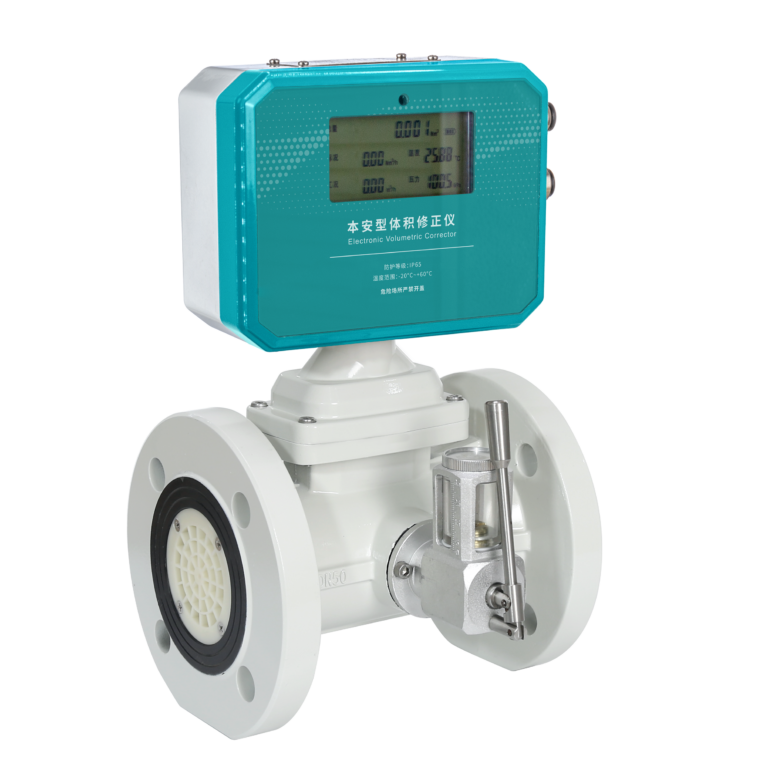
4. Check for Pipeline Vibration
Excessive pipeline vibration can be transmitted directly to the flow meter and interfere with turbine rotation or signal detection.
Inspect the pipe supports and mounting arrangement.
If significant vibration is present, reinforce the pipeline supports and, where necessary, isolate the flow meter from the vibration source.
5. Check for Contamination or Blockage
Foreign particles, deposits, or debris inside the pipeline can interfere with the turbine rotor.
Inspect the sensor and pipeline for contamination and clean them if necessary.
For applications containing solid particles, installing a suitable upstream strainer may help protect the turbine flow meter.
6. Inspect the Turbine Rotor and Bearings
If the process, installation, and electrical conditions are normal, inspect the mechanical components.
Check whether:
- The turbine rotor rotates freely
- The blades are damaged or deformed
- The rotor has excessive wear
- The bearings are worn or contaminated
- The rotor balance is abnormal
Bearing wear or rotor damage can directly cause unstable rotational speed and irregular output pulses.

A Practical Troubleshooting Sequence
When a turbine flow meter output becomes unstable, troubleshoot it in this order:
Process Conditions → Installation → Electrical Interference → Vibration → Contamination → Rotor & Bearings
Do not immediately assume that the flow meter itself is defective.
In many cases, unstable output is caused by process fluctuations, entrained air, improper installation, electrical interference, or pipeline vibration rather than a damaged sensor.
Following a systematic troubleshooting sequence can help locate the problem faster and avoid unnecessary flow meter replacement.